
Whether you’ve just taken ownership of a commercial building or you’re preparing for a renovation, one of the first things you’ll need is accurate documentation of what was actually built. As-built drawings tell you exactly how a structure exists today — not how it was originally designed, but how it was actually constructed, with all the field changes accounted for.
The problem? Most owners and facility managers don’t know how to get as-built drawings or who even provides them. This guide breaks it down step by step so you can get the documentation you need without the guesswork.
What Are As-Built Drawings?
As-built drawings (sometimes called record drawings) are updated construction documents that reflect the final, real-world conditions of a building. They capture:
- Actual wall, column, and partition locations
- MEP (mechanical, electrical, plumbing) routing as installed
- Structural elements as built in the field
- Dimensions measured from the finished structure
Unlike design drawings, as-builts account for the changes that happen during construction — moved walls, rerouted conduit, adjusted ductwork — making them essential for renovation planning, code compliance, and facility management.
Who Provides As-Built Drawings?
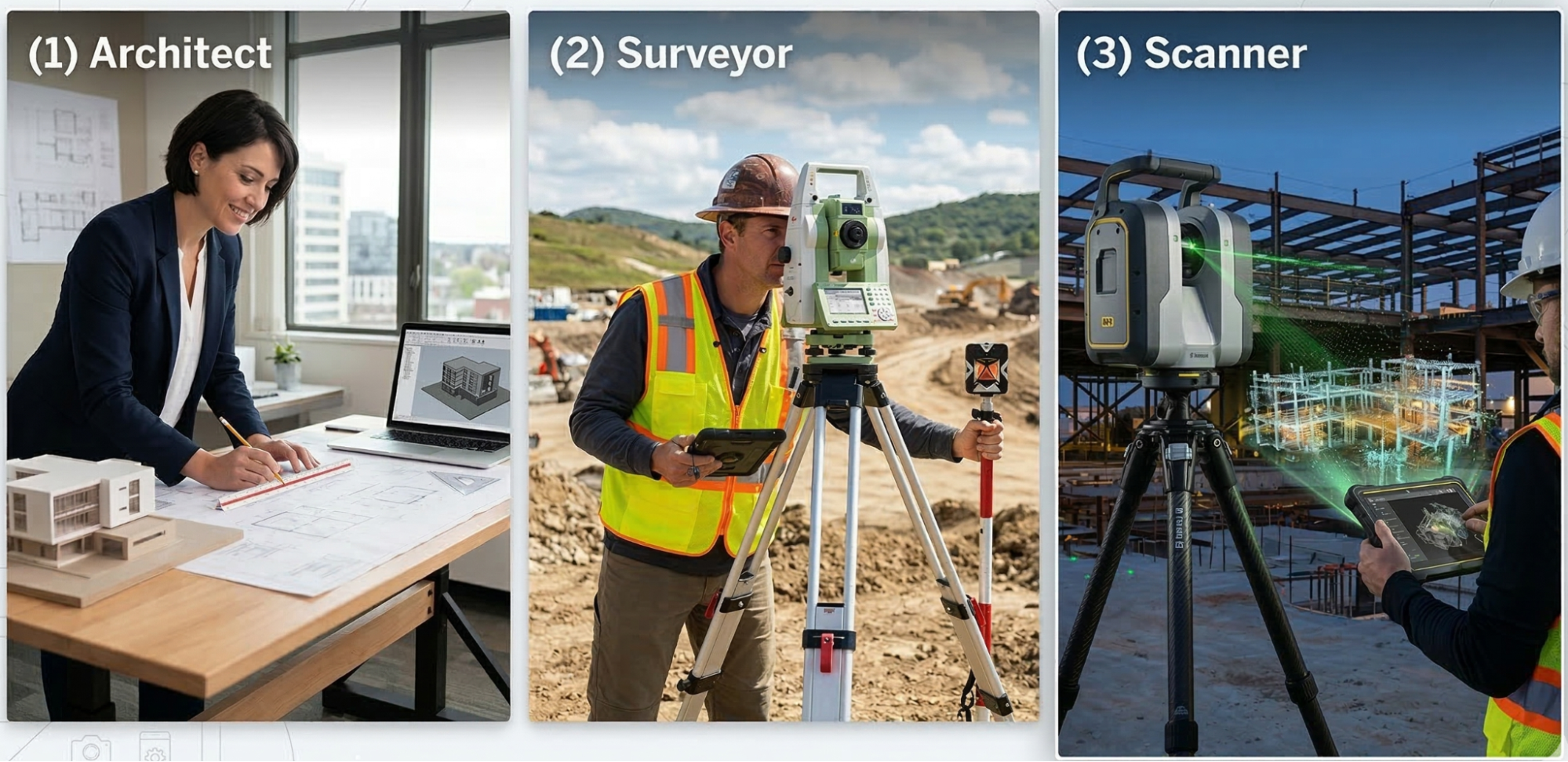
Before you can request as-built drawings, you need to know who provides them in the first place. There are a few different sources depending on your situation:
1. The Original General Contractor or Design Team
If your building was recently constructed, the GC or architect of record may have as-builts on file. However, these are often incomplete, outdated, or reflect design intent rather than actual field conditions.
2. The Building Owner’s Archive
Some owners — particularly large corporations or institutional property owners — retain as-built documentation from previous projects. These may be stored in CAD, PDF, or paper format.
3. A 3D Laser Scanning & As-Built Documentation Provider
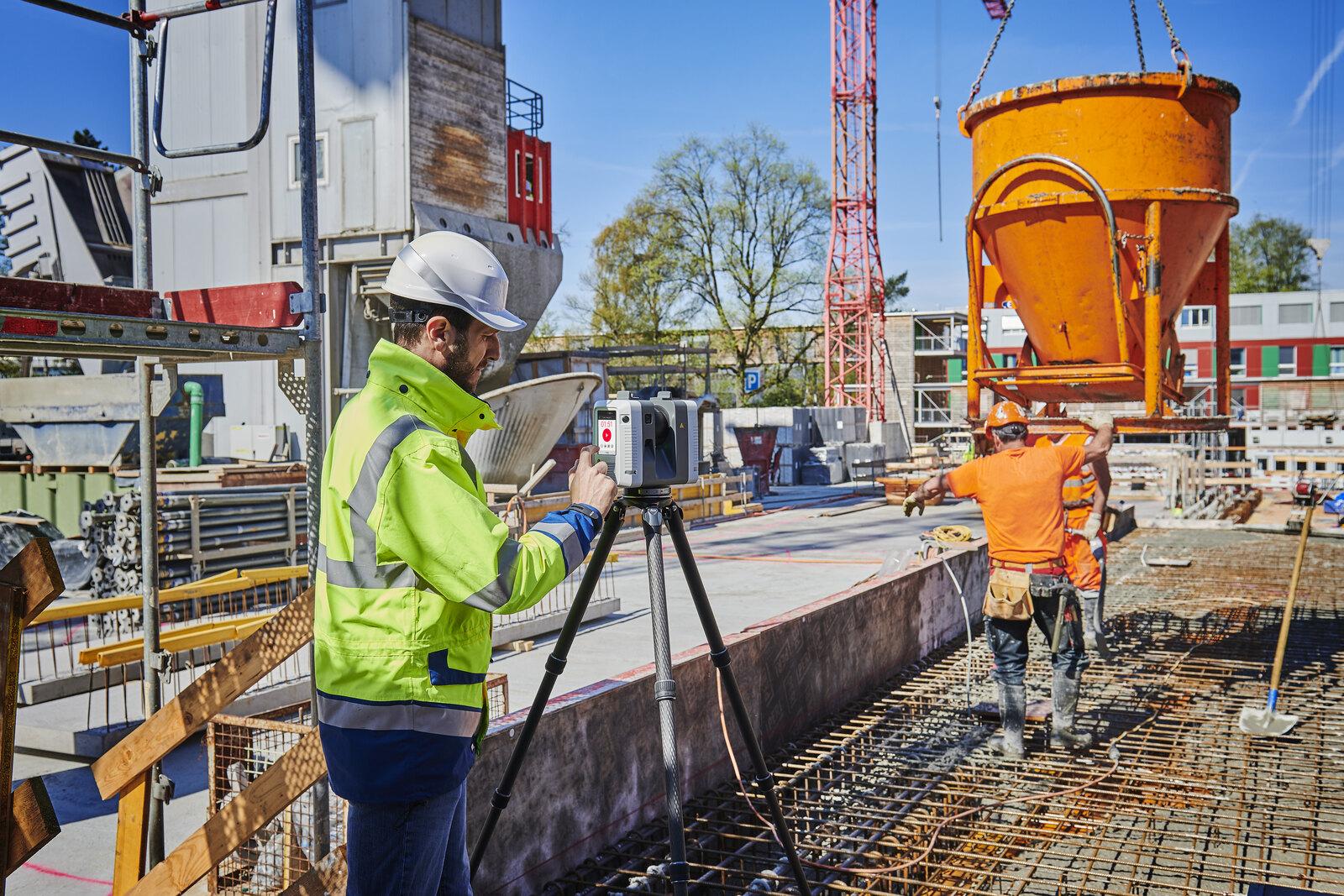
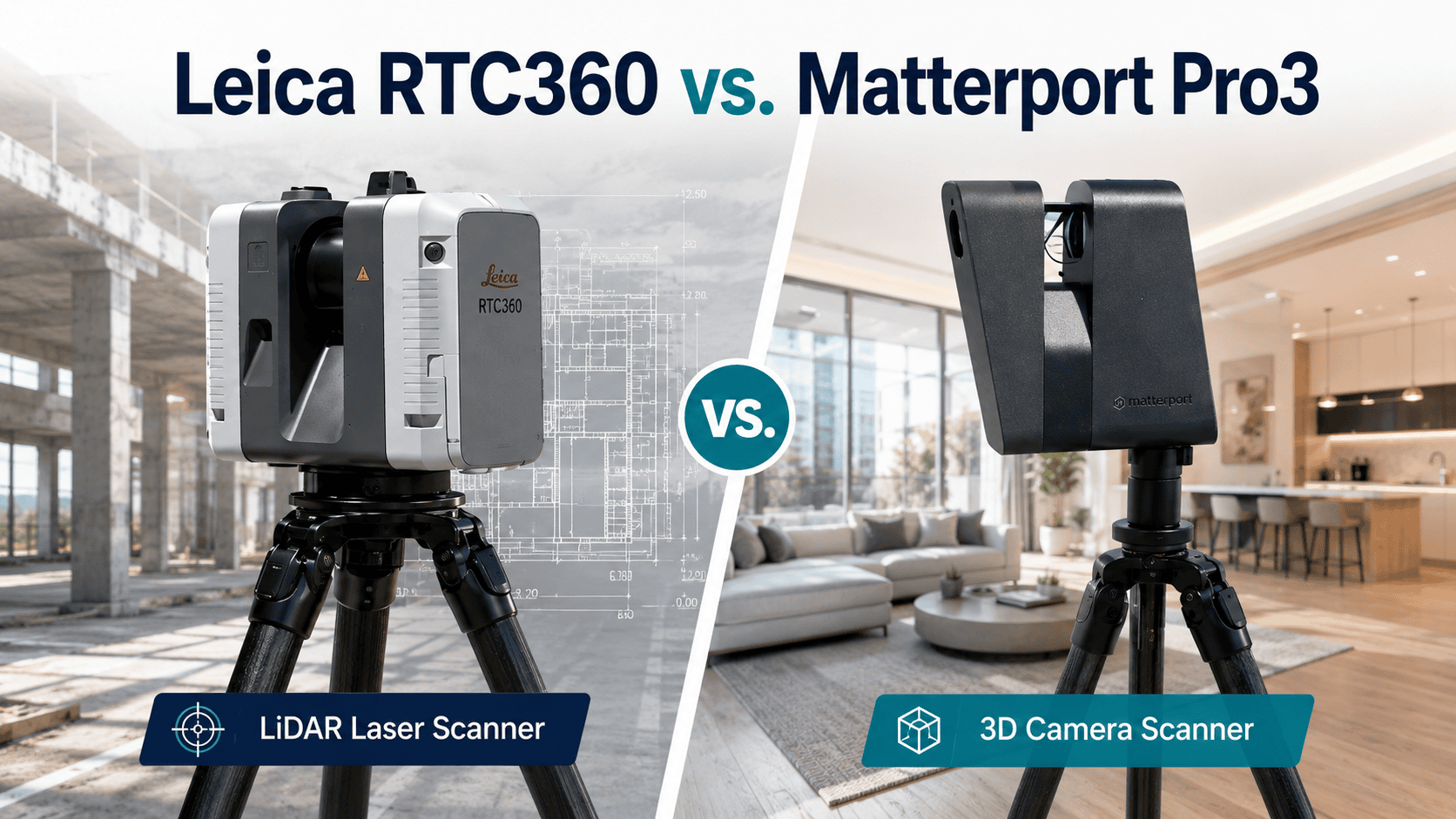
This is the most reliable option, especially for existing buildings with no usable documentation. A professional as-built documentation provider — like a LiDAR scanning company — will come on-site, capture precise measurements using high-accuracy scanners, and deliver verified drawings in CAD or BIM format.
As-Built Drawings for Commercial Buildings
Commercial buildings present documentation challenges that residential projects don’t — larger footprints, complex MEP systems, occupied spaces, multiple tenants, and stricter permit requirements.
What a set contains varies by building type — office, retail, hospitality and industrial each have their own requirements. What Are As-Built Plans covers each in detail.
For all commercial building types, 3D laser scanning is the standard documentation method because it captures complete existing conditions in a single site visit without disrupting ongoing operations.
How to Get As-Built Drawings: A Step-by-Step Process
Step 1: Determine What You Need
Before reaching out to any provider, get clear on your deliverable requirements:
- Format: CAD (DWG), BIM (Revit), PDF, or point cloud?
- Level of Detail (LOD): Are you doing a simple space plan or a full MEP renovation?
- Scope: Full building, a single floor, or a specific suite?
- Timeline: Do you have a contractor waiting on drawings?
Knowing this upfront will help any provider give you an accurate quote — and help you evaluate whether their capabilities match your project.
Step 2: Identify the Right Type of Provider
Not all as-built providers are equal. Here’s a quick breakdown:
|
Provider Type |
Best For | Limitation |
|
Architectural drafters |
Simple floor plans from field sketches | Manual measurements, less accurate |
| Survey companies | Site and land documentation |
Rarely do interior as-builts |
| 3D laser scanning firms | Accurate, verified as-builts for complex projects |
Higher upfront cost |
For commercial projects — retail, hospitality, office, industrial — 3D laser scanning is the gold standard. It eliminates the measurement errors that come from tape measures and manual field sketching, and it produces a verifiable record of existing conditions. Learn more about our Scan-to-BIM services for complex commercial documentation needs.
Step 3: Submit a Formal Request for As-Built Drawings
When you reach out to a provider, your request for as-built drawings should include:
- Property address and building type (retail, office, industrial, hospitality, etc.)
- Square footage of the area to be documented
- Deliverable format and LOD (e.g., LOD 200 BIM, 2D CAD floor plan, reflected ceiling plan)
- Intended use (renovation planning, lease documentation, facility management)
- Project timeline and any hard deadlines
The more detail you provide upfront, the faster you’ll receive an accurate proposal — and the fewer surprises you’ll encounter mid-project.
Step 4: Review the Proposal and Scope of Work
A quality provider will respond with a formal proposal that outlines:
- Deliverables (floor plans, sections, elevations, MEP diagrams, etc.)
- Methodology (laser scanning, manual measurement, or hybrid)
- Turnaround time
- Pricing
Red flags to watch for:
- Vague scope with no defined deliverables
- No mention of field verification
- Suspiciously low pricing (often means manual sketches, not verified measurements)
Step 5: Schedule the Site Visit
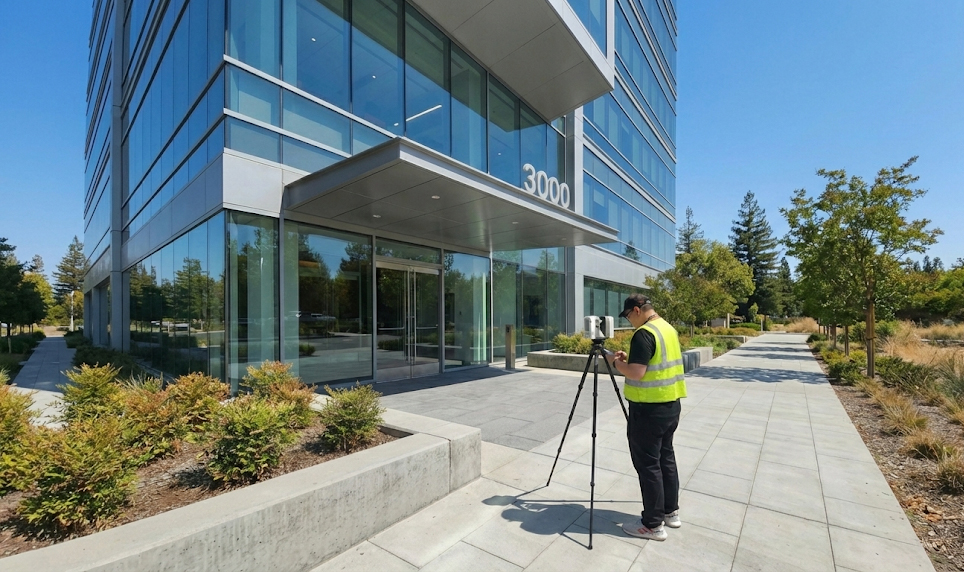
Once you’ve approved the proposal, the provider will coordinate a site visit to capture existing conditions. For laser scanning projects, this typically involves:
- Setting up scan positions throughout the facility
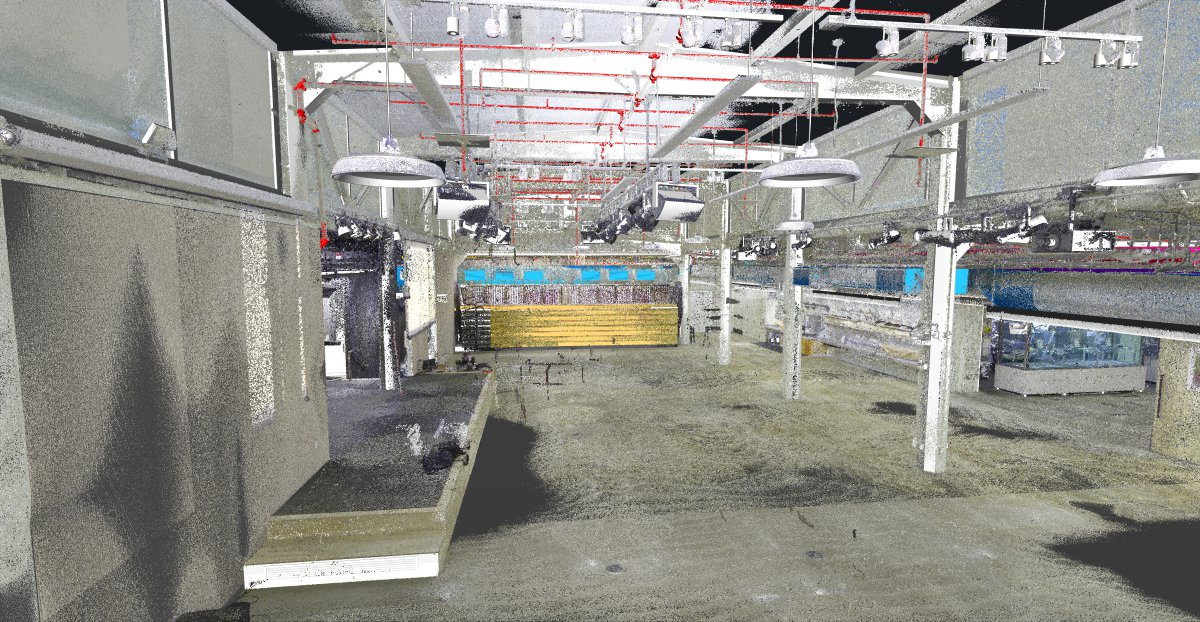
- Capturing millions of data points per scan
- Registering (stitching) scans together into a unified point cloud
Access coordination is key here — you’ll want to ensure the scanner can access all spaces, including mechanical rooms, above-ceiling areas (if needed), and any restricted zones.
For the technical detail of how the scan itself is carried out, see As Built Drawings Procedure.
Step 6: Review and Approve the Deliverables
After the field work is complete, your provider will produce the drawings and send them for your review. At this stage:
- Check that all spaces are accounted for
- Verify that dimensions match your expectations
- Confirm that the deliverable format works with your design software or contractor’s workflow
Most providers allow for one or two rounds of revision before final delivery.
2D As-Built Documentation: When It Is the Right Choice
2D as-built documentation — floor plans, elevations, sections, and reflected ceiling plans delivered as flat CAD drawings — is the right deliverable for the majority of commercial renovation and permitting projects.
When 2D Documentation Is Sufficient:
- Tenant improvement design where the architect needs existing conditions as a base
- Permit submittals requiring existing condition drawings
- Lease documentation and space verification
- Facility management records for maintenance planning
- Real estate due diligence where buyers need current floor plan documentation
When to Consider 3D BIM Instead:
- MEP coordination projects requiring clash detection
- Complex renovations where multiple trades need to coordinate in 3D
- Facility management programs requiring an intelligent building model
- Projects with LOD 300+ BIM requirements
For most commercial renovation and permitting projects, 2D as-built documentation produced from 3D laser scanning delivers the right level of accuracy and detail at a lower cost than full BIM modeling.
How Long Does It Take to Get As-Built Drawings?
Turnaround time depends on project scope, but here’s a general guide:
|
Project Size |
Typical Turnaround |
|
Single suite (under 5,000 SF) |
3–5 business days |
|
Full floor (5,000–20,000 SF) |
5–10 business days |
|
Multi-floor or full building |
2–4 weeks |
Rush delivery is often available for time-sensitive projects — expect a premium of 25–50% over standard pricing.
How to Get As-Built Drawings Fast
If your project has a tight deadline — a contractor waiting on drawings, a permit submittal due, or a construction window closing — here is how to compress the timeline without sacrificing accuracy.
Request Rush Delivery Upfront
Most professional as-built providers offer rush delivery options. State your deadline clearly in your initial request — not after you receive the proposal. Rush delivery for commercial projects typically runs 24-72 hours after field scanning is complete, with a 25-50% premium over standard pricing.
Have Your Scope Ready
The fastest projects start with a clear scope. Know your square footage, required deliverables, and intended use before you make the first call. Providers who have to go back and forth on scope details add days to your timeline.
Choose a Provider With Local Teams
Providers with field crews already in your market can mobilize same-day or next-day. Out-of-market providers add travel coordination time before scanning even begins. LiDAR Precise Plans maintains local field teams across Las Vegas, Phoenix, Los Angeles, San Francisco, Denver, Salt Lake City, and Austin — with typical mobilization in 24-48 hours.
Limit Scope to What You Actually Need
Full building documentation takes longer than a single floor. MEP documentation adds time over architectural-only drawings. If your deadline is tight, confirm with your architect or contractor exactly which sheets they need — and document only that scope.
Rush Turnaround (Expedited Option)
| Project Size | Rush Turnaround |
|---|---|
| Under 5,000 SF | 24–48 hours |
| 5,000–20,000 SF | 48–72 hours |
| 20,000+ SF | Contact for availability |
What Does It Cost to Get As-Built Drawings?
Pricing varies based on scope, deliverable complexity, and provider, but here are general ranges for professional as-built documentation:
|
Deliverable Type |
Typical Price Range |
|
2D CAD floor plans |
$0.10–$0.25 per sq ft |
| BIM/Revit models (LOD 200) |
$0.25–$0.60 per sq ft |
| Full MEP documentation |
$0.50–$1.50+ per sq ft |
These ranges typically reflect larger commercial projects. Smaller projects will usually have a higher cost per square foot due to mobilization, setup, and minimum project costs.
|
Questions to Ask Any As-Built Provider
Before you commit, ask these:
- Do you use 3D laser scanning, or manual field measurements?
- What file formats do you deliver?
- How do you handle discrepancies found in the field?
- Can you provide references from similar project types?
- What is your revision policy?
Conclusion
Getting as-built drawings doesn’t have to be complicated — but it does require working with the right provider and knowing exactly what to ask for. Whether you’re managing a portfolio of retail locations, preparing for a major renovation, or simply trying to understand what’s inside your walls, the process starts with a clear scope and a qualified team.
If you’re ready to get as-built drawings for your commercial property, LiDAR Precise Plans delivers verified, laser-scanned documentation across Los Angeles, Las Vegas, Phoenix, San Francisco, Denver, Salt Lake City, and Austin.