
Here’s the thing nobody tells you about construction projects: the drawings you start with are almost never the drawings that match what ends up built.
Walls shift. Pipes get rerouted. A structural element lands three inches from where the plans said it would. By the time a commercial project wraps up, the original blueprints are essentially a work of historical fiction.
That gap between what was planned and what actually exists? That’s exactly what as-built drawings fix. And if you’ve ever paid for a renovation that blew the budget because “nobody knew where that pipe was” — you already understand why they matter.
QUICK ANSWER
As-built drawings are revised construction documents that show how a building was actually built — not how it was originally designed. They capture every real-world change made during construction: shifted walls, rerouted systems, adjusted dimensions. The result is an accurate record of the structure as it physically exists today.
The Blueprint Lie (And Why As-Built Drawings Exist)
Let’s say you’re a facility manager at a major retail chain. You have 40 locations across the Southwest. A designer needs to plan a tenant improvement at your Phoenix store. She pulls up the original construction drawings from 2009 — and she trusts them.
Six weeks later, demo day arrives. The contractor opens a wall and finds the electrical panel is 14 inches from where the drawings show it. The HVAC duct runs directly through the planned opening. The floor drain is in the wrong room entirely.
Sound familiar? That scenario plays out on commercial projects every single day. The original drawings didn’t lie on purpose; construction just happened, and nobody tracked the changes.
As-built drawings exist for one reason: so that the next person who works on the building doesn’t have to guess. . A professional as-built drawings service ensures those conditions are accurately documented before renovation begins.
The Exact Definition of As-Built Drawings
Formally defined: as-built drawings are construction documents that have been revised and annotated to reflect all modifications, substitutions, and deviations made during the construction process — accurately representing the physical conditions of the completed building or facility.
That’s the textbook version. In plain English: they’re the drawings that show where everything actually is right now.
They typically cover:
→ Floor plans
→ Reflected ceiling plans
→ Mechanical, electrical, and plumbing (MEP) systems
→ Structural elements
→ Site conditions, elevations, and exterior details
Types of As-Built Drawings
Floor Plan As-Builts
Document exact wall locations, room dimensions, door and window positions, and architectural features as they were actually constructed — not as originally designed. See What Are As-Built Plans for a full breakdown of floor plan types.
MEP As-Built Drawings
Capture the real routing of mechanical, electrical, and plumbing systems — ductwork, conduit, piping, and equipment locations. These are the most critical for renovation projects and ongoing facility management.
Structural As-Builts
Record actual column locations, beam sizes, foundation conditions, and structural modifications made during construction.
Site Plan As-Builts
Document building footprint, parking, landscaping, utilities, and site improvements as they actually exist on the property.
Reflected Ceiling Plan As-Builts
Capture ceiling heights, lighting fixtures, HVAC grilles, sprinkler heads, and above-ceiling conditions room by room.
As-Built Drawings vs. Record Drawings — Is There a Difference?
Sort of, but not really in practice. Here’s the technical distinction:
Record drawings are typically prepared by the architect after construction, incorporating contractor-provided markups into a clean, professional set. As-built drawings is a broader term that can include rough contractor red-lines all the way to fully drafted CAD documents.
In day-to-day commercial work, most owners, PMs, and architects use the terms interchangeably — and what they all want is the same thing: accurate documentation of how the building exists right now.
Pro tip: if someone hands you “as-built drawings” that are just the original blueprints with a few handwritten notes scrawled on them, ask for better documentation. Those are not reliable.
Who Actually Needs As-Built Drawings?
The short answer: anyone who touches a building after it’s been built.
Property owners and portfolio managers need them before planning any renovation or tenant improvement. Without them, every construction bid is a shot in the dark.
Architects and designers need them to produce new construction documents. Designing in a vacuum — without accurate existing conditions — is how you end up with change orders.
General contractors and subcontractors need them to plan their scopes accurately. Knowing where that electrical panel actually sits saves time, money, and a lot of frustration.
Facility managers need them for ongoing maintenance. When something breaks inside a wall, you want to know exactly where it is before you start cutting.
Leasing teams and real estate professionals use them to verify actual square footage — especially important when rent is calculated per square foot.
While commercial renovations often drive demand for as-built documentation, residential remodels and additions benefit just as much — especially in older homes where original plans are missing or inaccurate. Accurate existing conditions reduce surprises during kitchen remodels, additions, and structural upgrades.
When Are As-Built Drawings Required?
As-built drawings are not always legally mandated — but in many situations, they are either required or strongly expected by the authority having jurisdiction.
Building Permit Submittals
Many local building departments require existing conditions documentation as part of the permit application process for tenant improvements, change-of-use permits, and renovation work on existing buildings. Submitting accurate as-built documentation alongside permit drawings typically speeds plan check review and reduces correction notices.
Certificate of Occupancy
Some jurisdictions require updated as-built documentation before issuing a certificate of occupancy for significant renovation work — confirming that the completed project matches the approved permit drawings.
Real Estate Transactions
Commercial property buyers, lenders, and their consultants increasingly require current as-built documentation as standard due diligence. Buildings that go to market with accurate as-built drawings move through due diligence faster and present as better-managed assets.
Insurance Requirements
Many commercial property insurance policies require accurate building documentation for coverage purposes. Following a loss event, as-built drawings support accurate damage assessment and reconstruction planning.
Historic Preservation Compliance
Properties listed on historic registers or subject to preservation review typically require detailed existing conditions documentation before any renovation or restoration work begins.
How As-Built Drawings Are Made (The Old Way vs. The Right Way)
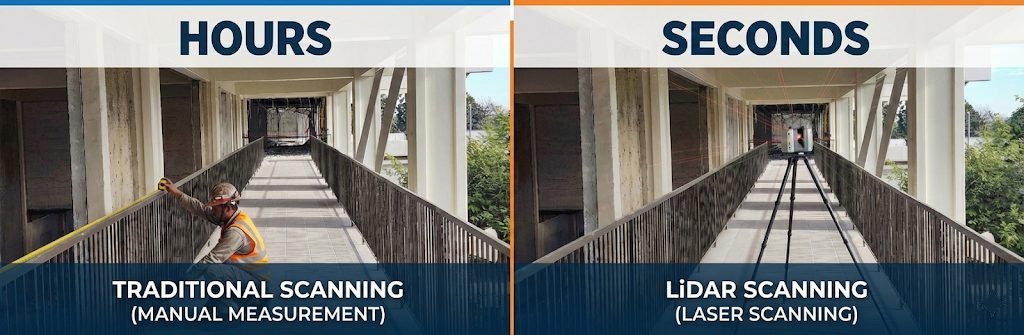
For decades, as-built drawings were created the hard way: a contractor would carry paper blueprints to the job site, mark changes in red pen as the project progressed, and at the end hand that redlined set to the architect to redraw in CAD. It was slow, incomplete, and as accurate as whoever remembered to write things down.
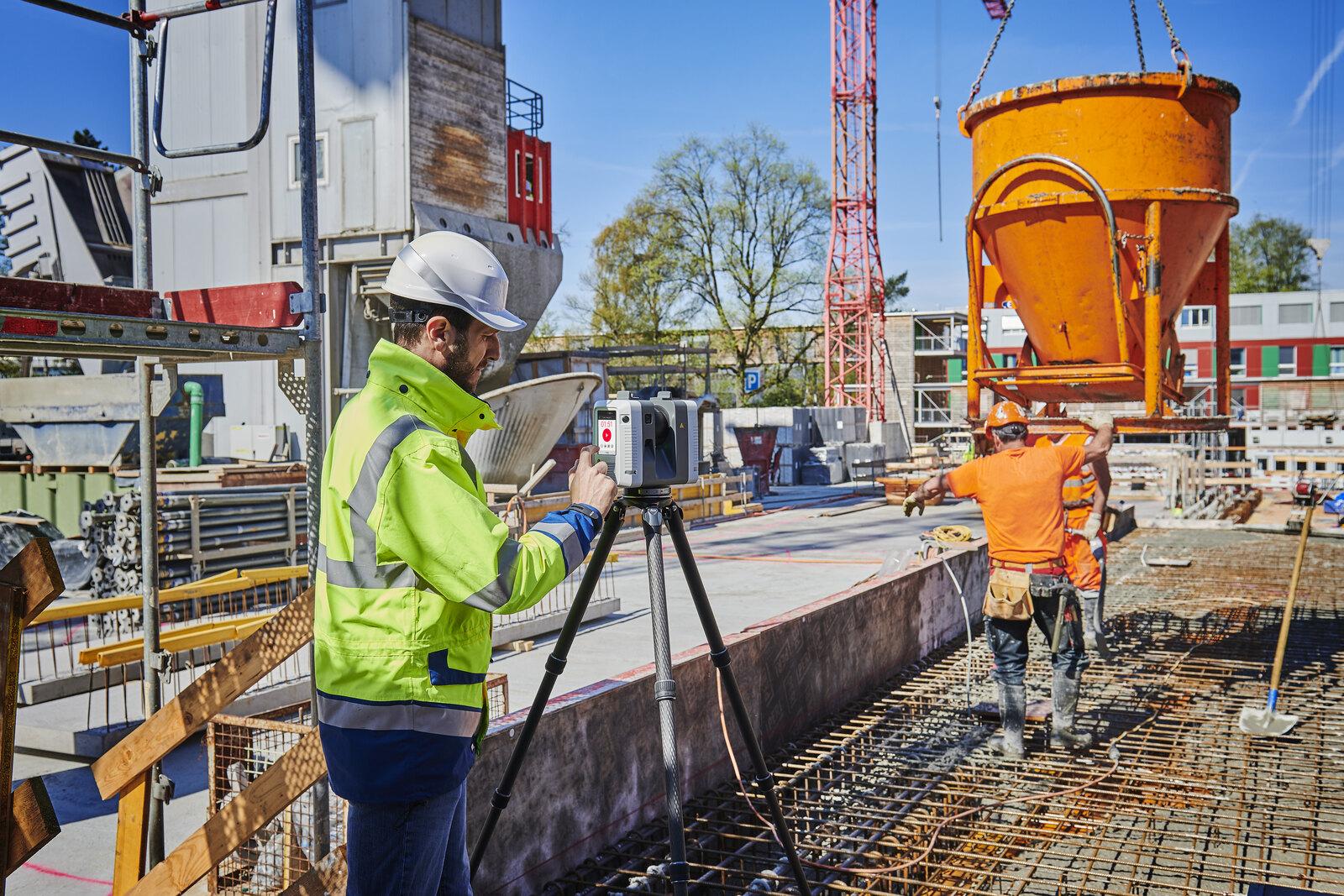
Today, the best as-built documentation starts with 3D laser scanning — specifically LiDAR (Light Detection and Ranging) technology. A LiDAR scanner fires millions of laser pulses per second and measures the return time with extreme precision, building a full 3D point cloud of the entire space.
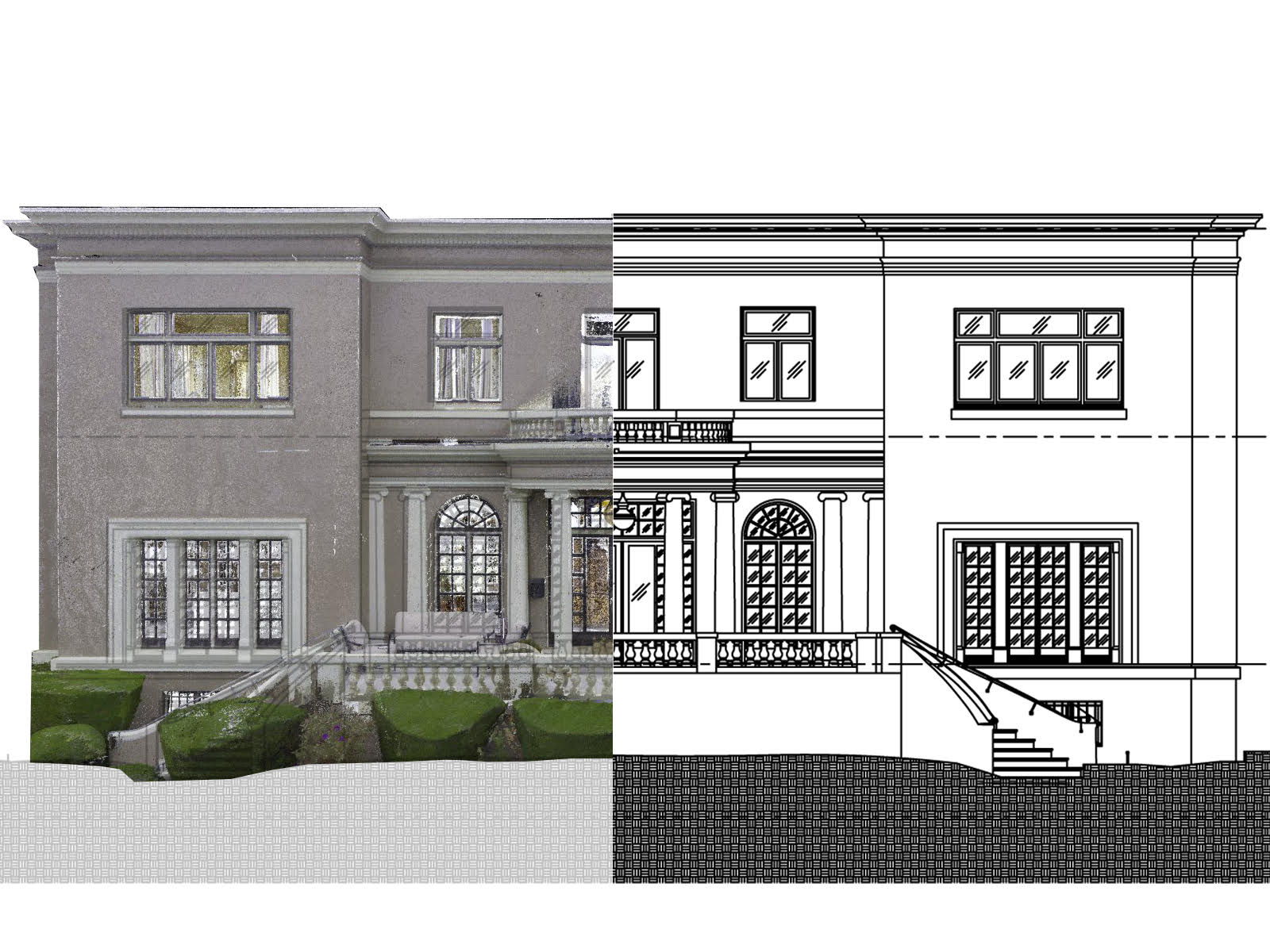
That point cloud is then used to produce as-built drawings in AutoCAD or Revit with sub-inch accuracy — often within 1/8 inch across spaces of 50,000 square feet or more. What used to take weeks of manual field measuring takes days. And the accuracy isn’t even close.
Typical field tolerances for professional laser-scanned as-built documentation range between ±3–5mm depending on site conditions and equipment used. That level of precision significantly reduces coordination conflicts during renovation and construction.
At LiDAR Precise Plans, every as-built project starts with a full 3D laser scan. No guessing. No “I think that wall is about here.” Just precise documentation you can trust.
The As-Built Drawing Process: Step by Step
Here is exactly how a professional LiDAR-based as-built documentation project unfolds from first call to final delivery.
Step 1: Project Consultation
We confirm your scope, required deliverables, accuracy requirements, file formats, and project timeline. Most projects are quoted within 24 hours after a brief consultation.
Step 2: LiDAR Site Scanning
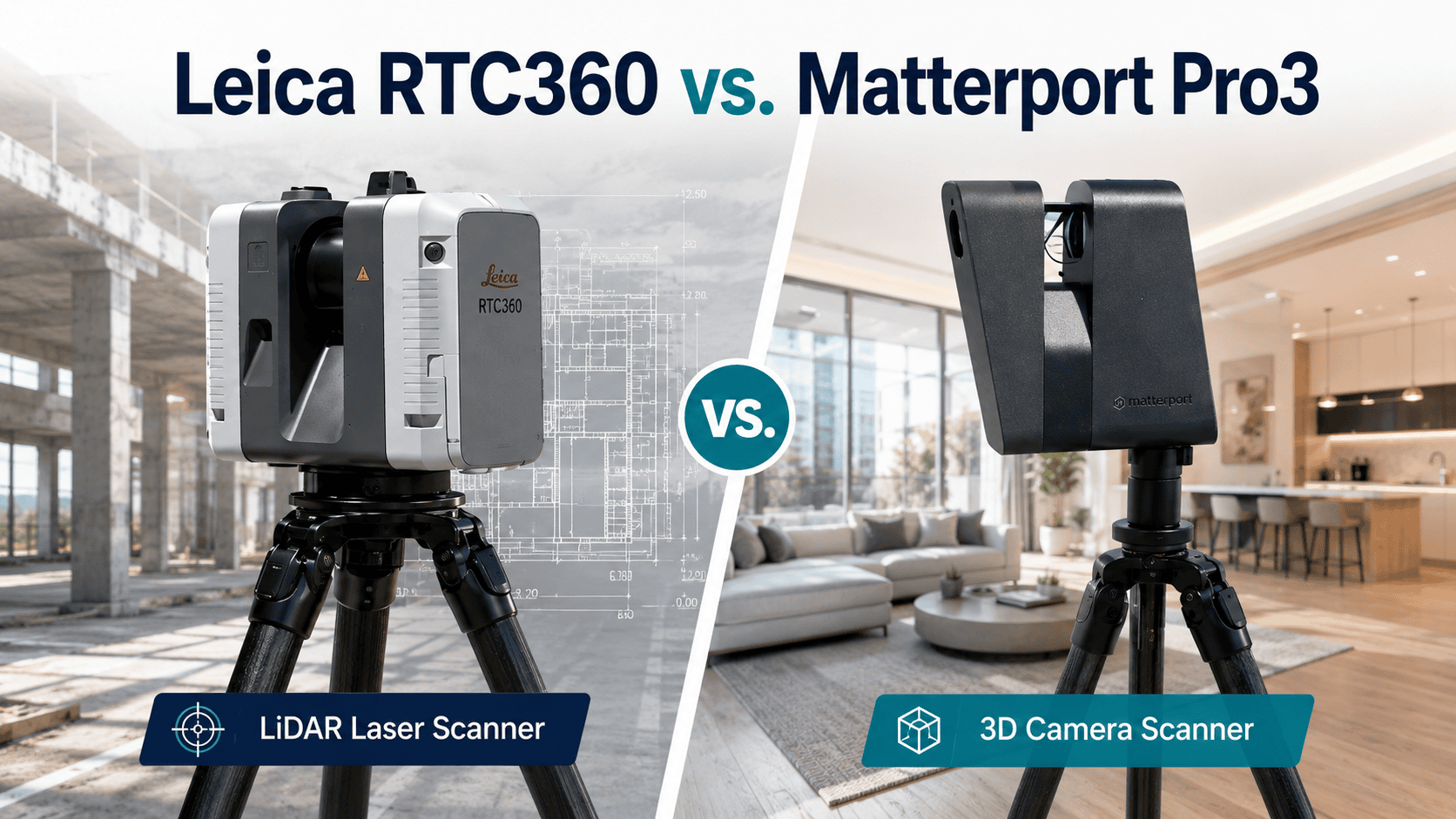
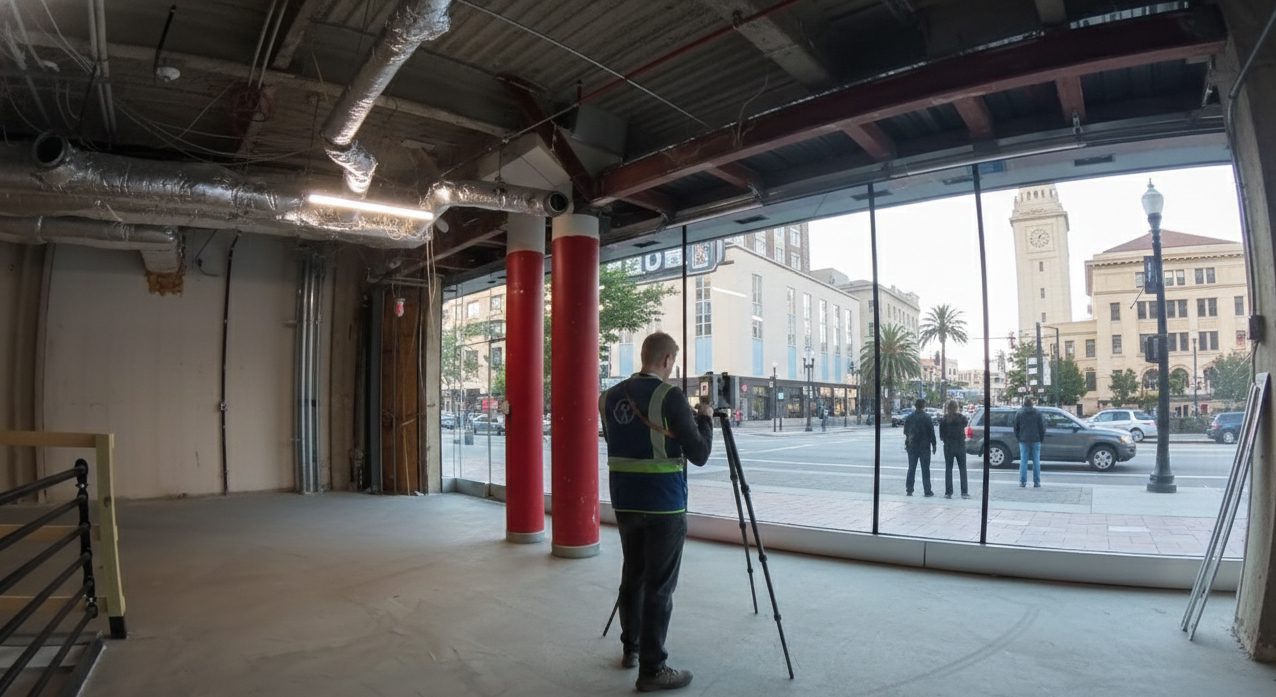
Our certified technicians deploy professional-grade Leica RTC360 scanners at your facility. Most commercial buildings are fully scanned in a single site visit — typically 4 to 8 hours depending on size and complexity. Occupied buildings are scanned with minimal disruption to operations.
Step 3: Point Cloud Registration
Raw scan data from multiple scanner positions is registered into a single unified point cloud — a complete 3D digital record of your building as it physically exists. This step is where accuracy is established or lost. We register to a verified control network, not just scan-to-scan.
Step 4: CAD/BIM Production
Experienced drafters extract floor plans, elevations, sections, reflected ceiling plans, and MEP documentation directly from the registered point cloud — never from assumptions or incomplete field notes.
Step 5: QA/QC Review
Every completed drawing set is systematically compared against the source point cloud before delivery. Dimensions, annotations, layer structure, and deliverable formats are all verified.
Step 6: Delivery
Final files are delivered in your required formats — DWG, PDF, RVT, IFC, or point cloud exports — typically within 5 to 14 business days depending on project scope.
The Real Cost of Not Having Them
This is where it gets interesting — and expensive.
Studies in the construction industry consistently show that inaccurate or missing existing conditions documentation is one of the top drivers of project change orders. For a $500,000 tenant improvement, even a 10% change order impact is $50,000 you didn’t plan for.
Beyond change orders: permit delays, scope creep, contractor disputes, and the gut-punch of demo day surprises are all downstream effects of working without accurate as-built drawings.
The cost of professional as-built documentation? Typically a fraction of one percent of your project budget. The cost of not having it? Ask anyone who’s been through a renovation nightmare.
How Much Do As-Built Drawings Cost?
Professional as-built documentation costs vary based on building size, complexity, required deliverables, and turnaround time.
| Project Size | Visual Cost Indicator | Typical Cost |
|---|---|---|
| Small (under 5,000 sq ft) | ▮▮ | $2,500–$3,000 |
| Medium (5,000–20,000 sq ft) | ▮▮▮▮▮ | $5,000–$15,000 |
| Large (20,000–50,000 sq ft) | ▮▮▮▮▮▮▮▮ | $15,000–$30,000 |
| Enterprise (50,000+ sq ft) | ▮▮▮▮▮▮▮▮▮▮ | Custom Quote |
LiDAR-based documentation typically costs slightly more than traditional tape-measure methods — but delivers 3 to 4 times better accuracy and 50 to 70 percent faster turnaround. On any commercial project, that accuracy pays for itself the first time it prevents a change order.
For a complete breakdown of what drives as-built drawing costs and typical ranges by project type, see: As-Built Drawings Cost: Factors, Ranges & What to Expect.
📐 Need As-Built Drawings for a Commercial Project?
LiDAR Precise Plans delivers 3D laser scan-to-CAD as-built documentation for commercial properties across Las Vegas, Phoenix, Los Angeles, San Francisco, Denver, Salt Lake City, and Austin. With 27 years of architectural experience and sub-inch LiDAR accuracy, we give owners, architects, and facility teams documentation they can actually trust.→ See our As-Built Drawings Service