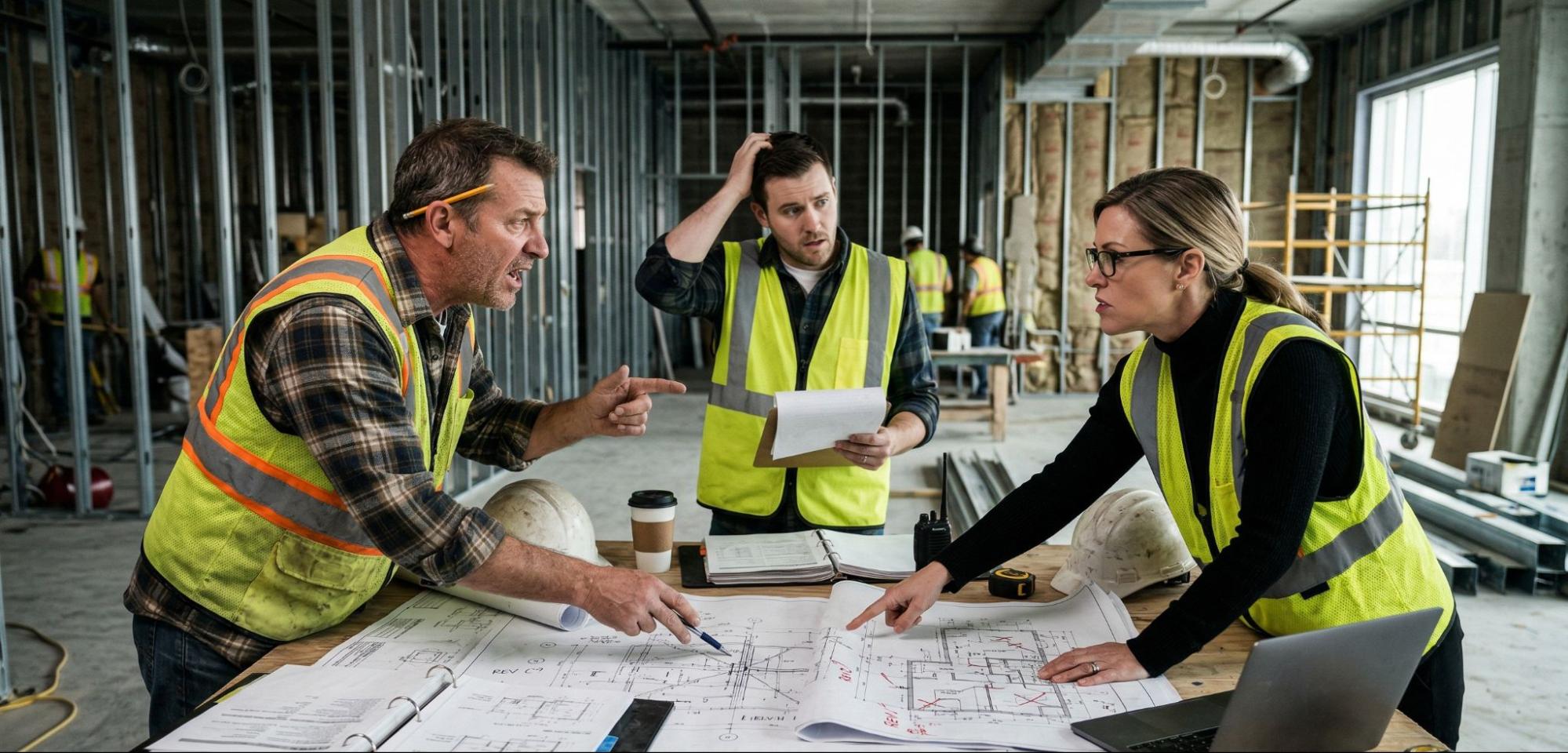
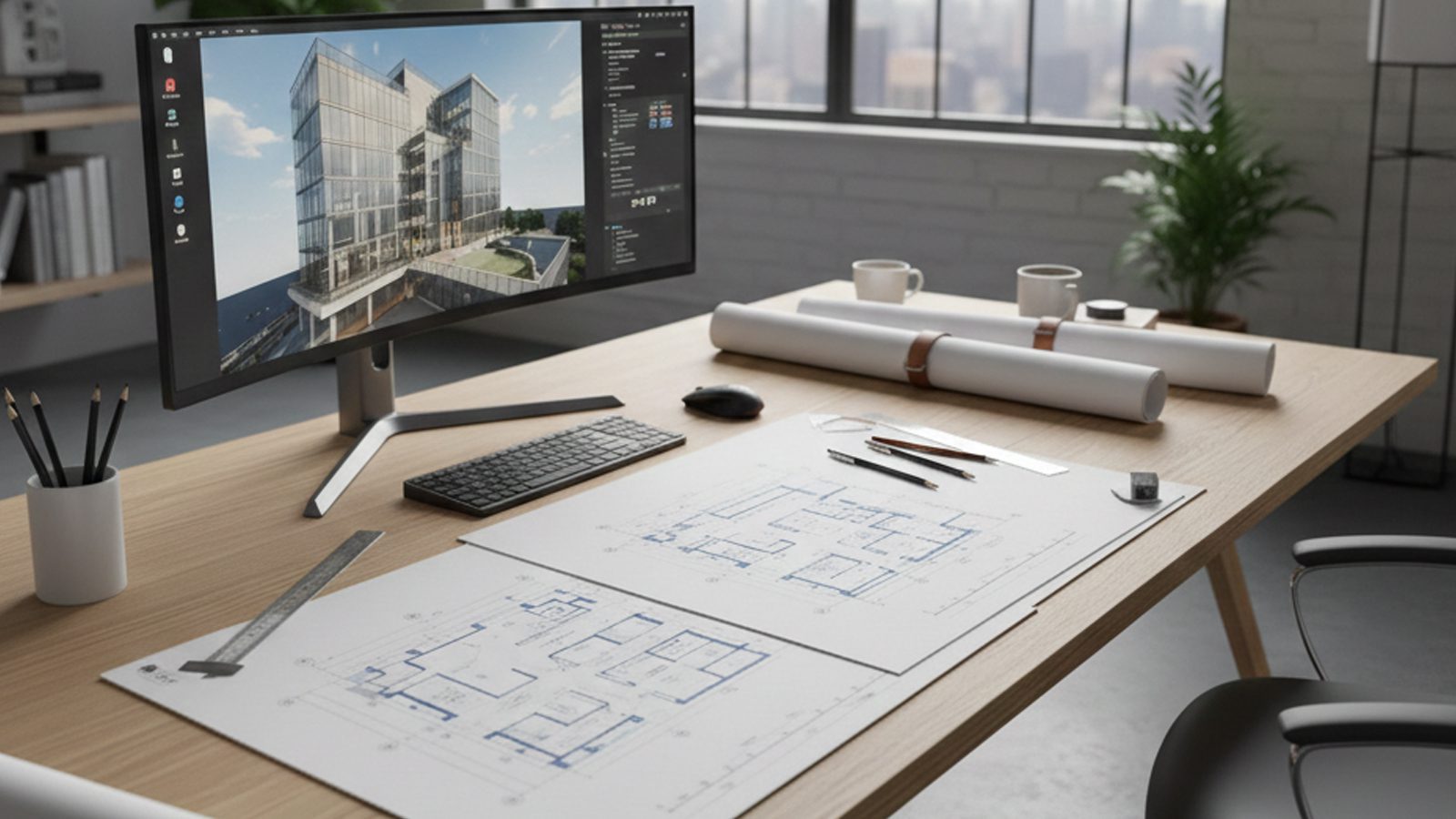

Ask ten people in construction what ‘as-built plans’ means and you’ll get ten slightly different answers. Most will point to a floor plan. Some will say it’s the whole drawing set. A few will use it interchangeably with ‘as-built drawings’ without realizing those terms aren’t exactly the same thing.
That confusion costs money. When an owner asks for as-built plans and only gets a floor plan, they’re missing half the picture. When a designer assumes the plans are current and they’re not, the renovation scope falls apart before demo day.
This post breaks down exactly what as-built plans are, what each sheet in a professional set contains, and how owners and designers actually use them — so you know what to ask for and what to expect.
QUICK ANSWER
As-built plans are 2D construction drawings — primarily floor plans — that reflect how a building was actually constructed, not how it was originally designed. A complete as-built plan set typically includes floor plans, reflected ceiling plans, elevations, sections, and MEP (mechanical, electrical, plumbing) diagrams, all updated to show real field conditions.
As-Built Plans vs. As-Built Drawings — What’s the Actual Difference?
The terms get used interchangeably on job sites, but there’s a useful distinction worth understanding.
‘As-built plans’ technically refers to the 2D plan view sheets — what you see when you look straight down at a building from above. Floor plans, site plans, roof plans. These are the most commonly requested deliverables and what most people picture when they hear the term.
‘As-built drawings’ is the broader term. It includes plans, but also elevations (vertical views), sections (cut-through views), details, and full MEP system documentation. Think of as-built plans as a subset of as-built drawings.
If you ask a provider for ‘as-built plans’ and only get a floor plan, push back. A professional set includes more than one sheet type — and the MEP documentation is often the most critical part.
For a full breakdown of what as-built drawings cover as a complete documentation package, see: What Is As-Built Drawings? Meaning, Definition & Why They Matter
What’s Actually Inside a Professional As-Built Plans?
A professionally produced documentation set isn’t just one document — it’s a package of coordinated sheets, each capturing a different aspect of the building. Here’s what a complete set looks like and why each sheet matters.
Floor Plans
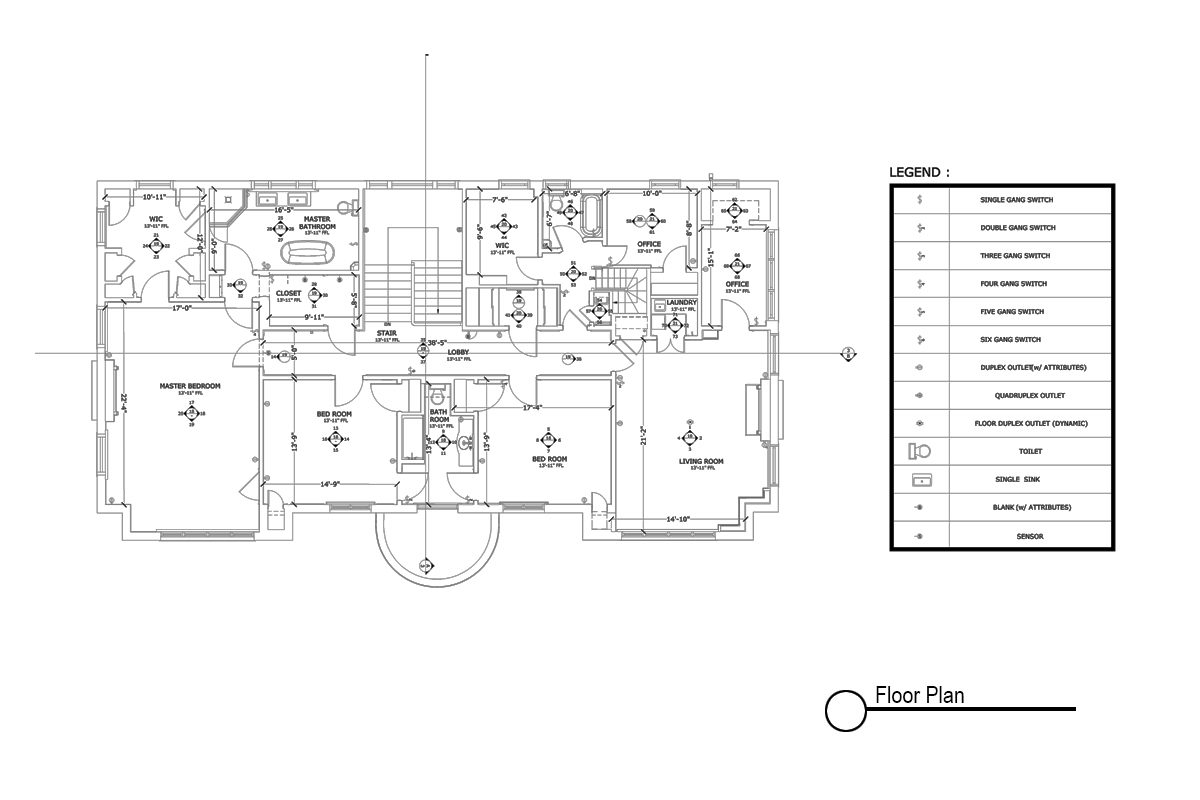
The most familiar sheet. Floor plans show the building from above — walls, doors, windows, room layouts, and dimensions as they were actually built. On a professional field-verified plan set, every dimension is measured from existing conditions.
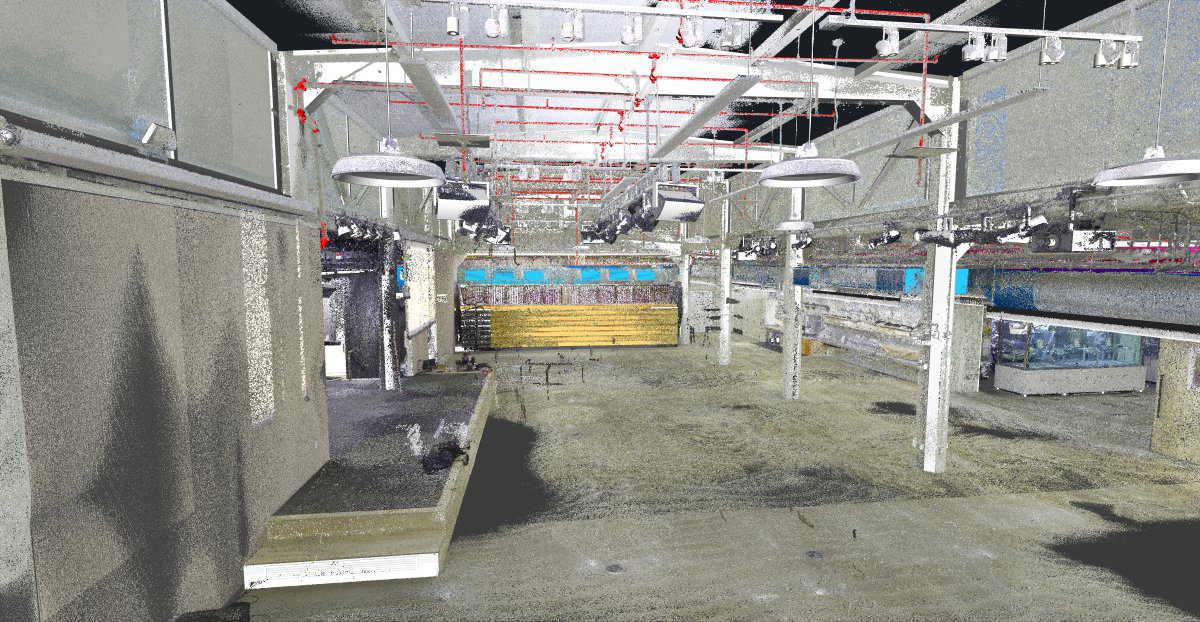
When produced from 3D laser scanning, these dimensions are typically accurate to within ±3–6mm across the entire building footprint. Wall locations, column centerlines, door swings, and partition heights are measured and recorded accurately, not assumed from the original design.
Why it matters: floor plans are the first thing any architect, designer, or contractor looks at before starting a renovation. If they’re wrong, every downstream decision is wrong.
Reflected Ceiling Plans (RCP)
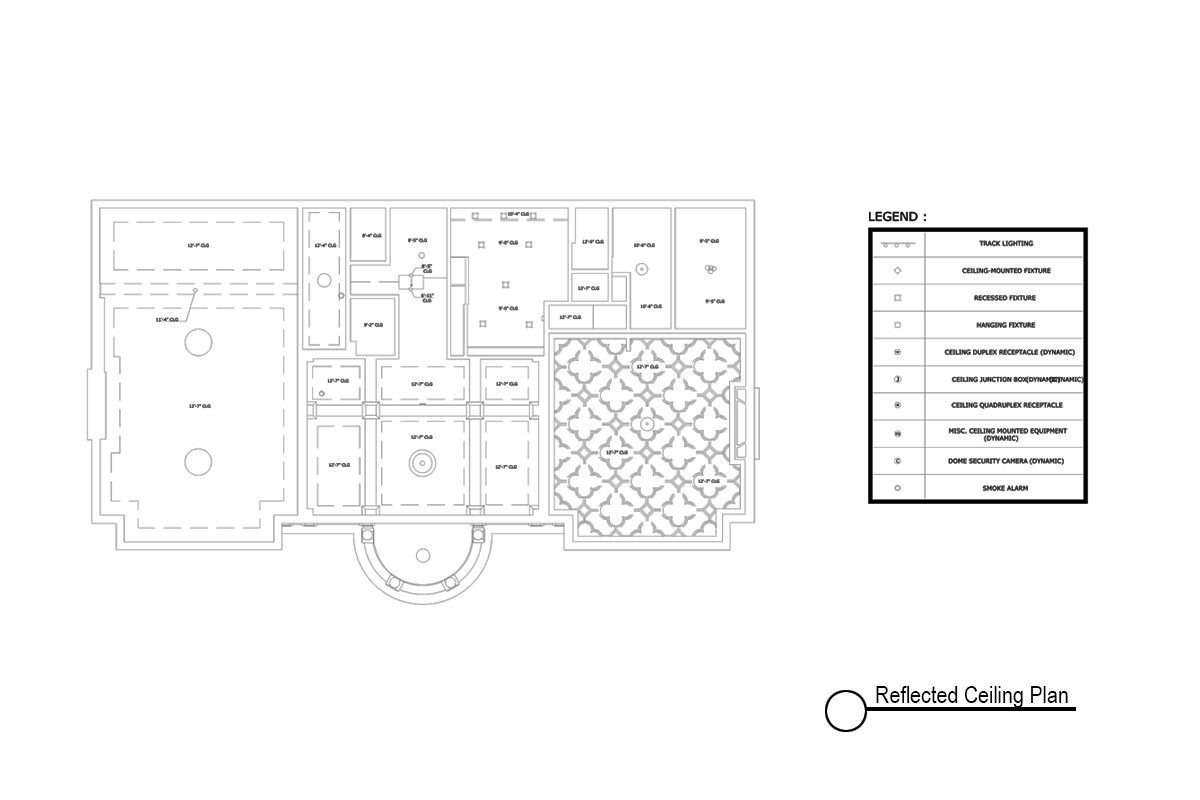
The RCP shows the ceiling as if you’re lying on the floor looking straight up — documenting ceiling heights, lighting fixture locations, HVAC diffuser and grille positions, sprinkler head locations, and any soffits or drop ceilings. For commercial tenant improvements, this sheet is critical because the ceiling cavity is where most MEP systems live.
Why it matters: if you’re planning a lighting redesign, adding a sprinkler branch, or modifying HVAC, you need to know exactly what’s up there before anyone opens the ceiling.
Elevations
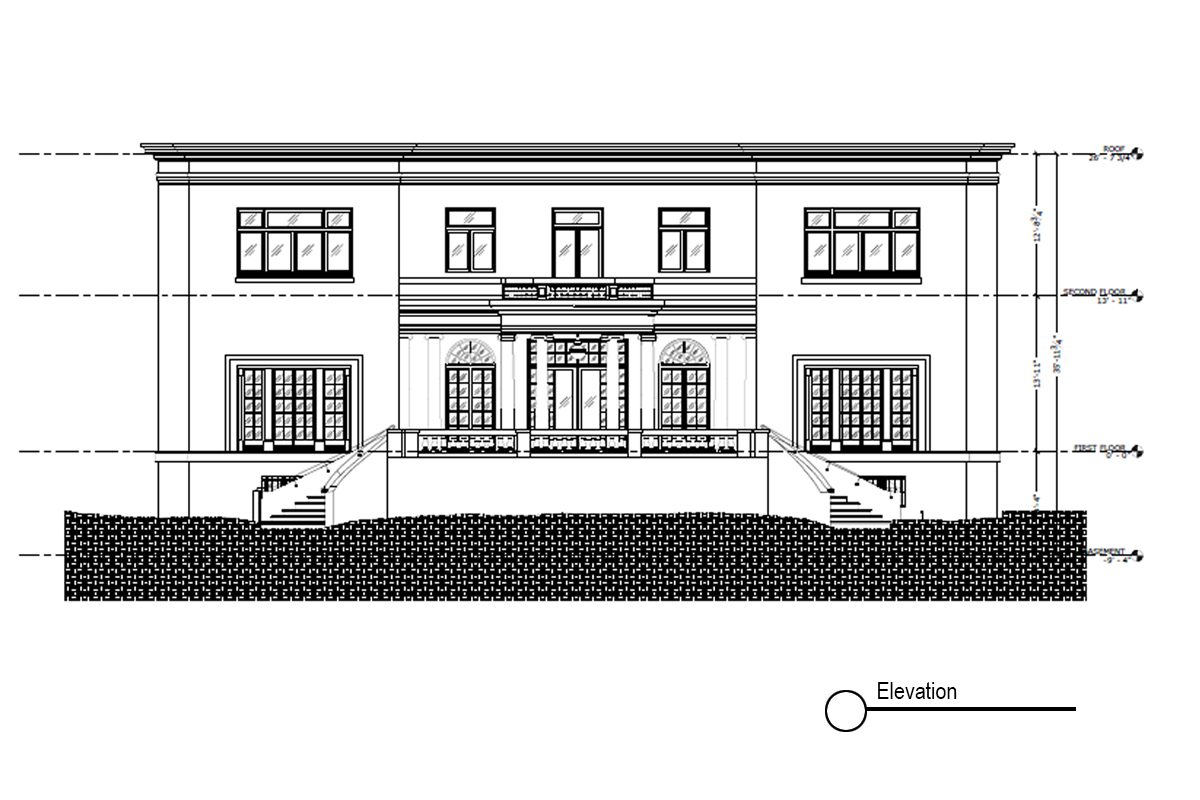
Elevations are vertical views of walls — interior and exterior. They show wall heights, window and door placement, millwork, and finish transitions as they actually exist in the field. Interior elevations are especially important in commercial retail and hospitality projects where custom millwork and feature walls need to be accurately documented for future renovation or replacement.
Sections
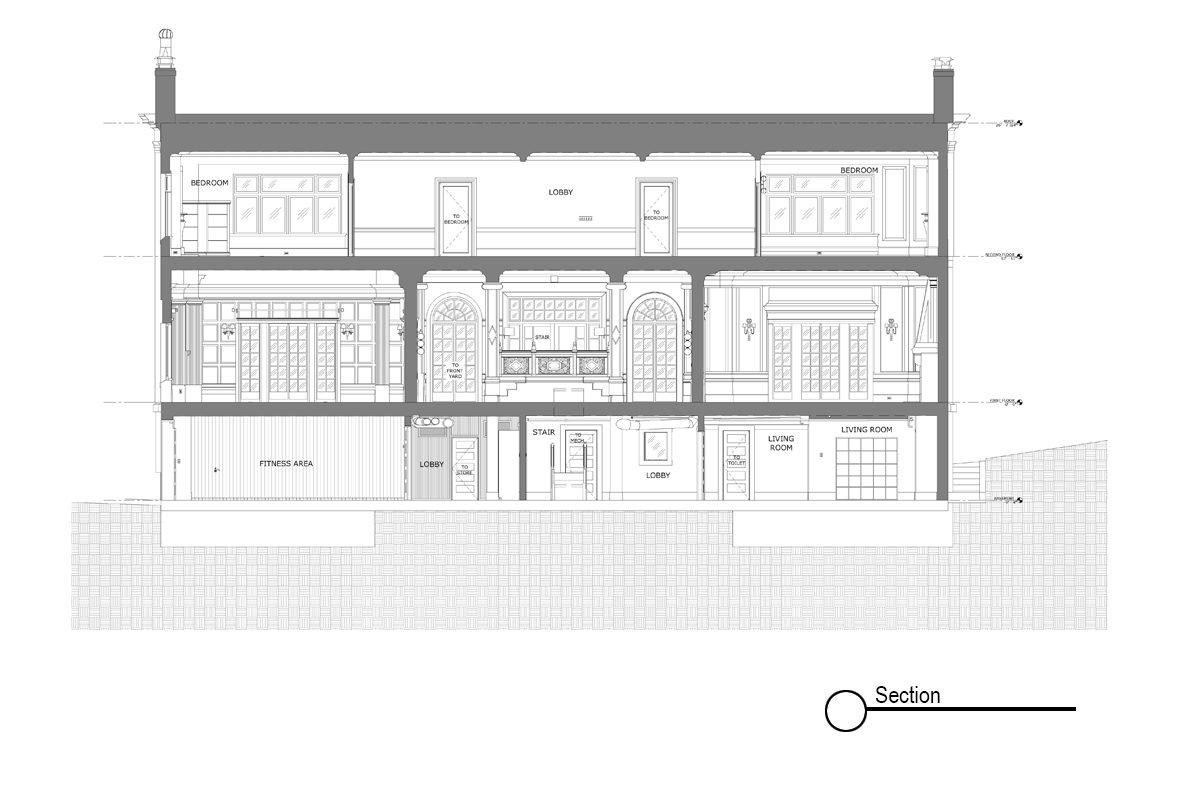
Sections are cut-through views that show what a building looks like if you sliced it vertically. They reveal floor-to-floor heights, structural depths, ceiling cavity dimensions, and how building systems stack on top of each other. For any project involving structural modifications or ceiling work, sections are essential.
MEP Plans (Mechanical, Electrical, Plumbing)
MEP plans document the three systems that run through every wall, ceiling, and floor. Mechanical plans show HVAC duct routing and equipment locations. Electrical plans document panel locations, circuiting, and fixture connections. Plumbing plans show pipe runs, drain locations, and fixture rough-ins.
This is the sheet type most often missing from older as-built documentation — and the one that causes the most expensive surprises when it is.
In our experience documenting retail, hospitality, and multi-tenant commercial properties— MEP as-builts are the single most requested deliverable after a renovation goes wrong. Get them before the project starts, not after.
What Is the Purpose of As-Built Plans?
As-built plans serve a different purpose depending on where you sit in the project. Understanding that purpose helps you ask for the right deliverable.
For owners and facility managers, the purpose is ongoing stewardship. A complete existing condition plan set becomes your building’s owner’s manual. Every time something needs to be repaired, modified, or expanded, accurate plans prevent costly surprises and keep projects on budget.
For architects and interior designers, the purpose is design accuracy. You can’t design a tenant improvement, renovation, or addition without knowing what exists. As-built plans are your existing conditions baseline — the foundation every new design decision is built on. Designing without them is like writing a sequel without reading the original.
For general contractors and subcontractors, the purpose is scope clarity. Accurate plans let you bid correctly, sequence work efficiently, and avoid the field conflicts that turn fixed-price contracts into change order battles.
For leasing and real estate teams, the purpose is verification. Rentable square footage, usable area, and lease compliance all trace back to accurate floor plan documentation.
How to Read As-Built Plans — What to Look For
If you’re reviewing an existing condition plan set for the first time…here’s what separates a professional set from a rough redline job.
Dimensions should be explicit and field-verified — not assumptions carried forward from design drawings. Look for notes indicating field measurement dates or methodology. A professional set produced from 3D laser scanning will often include a scan date and documented accuracy tolerance in the title block.
Revision clouds and delta tags mark where changes were made from the original design. In a well-documented as-built set, every deviation from the original drawings is called out clearly. If you see no revision clouds on a project that had any field changes — and virtually all do — that’s a red flag.
The title block should include the project address, sheet number, scale, date of field documentation, and the name of the firm that produced the drawings. Without a date and documentation method, you can’t assess how current or accurate the information is.
A common mistake: treating the original architect’s drawings as as-builts. Unless they’ve been field-verified and updated post-construction, they’re design intent documents — not a record of what was built.
What Format Do As-Built Plans Come In?
Professional documentation sets are typically delivered in three formats…each serving a different purpose.
PDF sheets are used for review, permitting, and general reference. They’re what you share with contractors for bidding or submit to a building department for permits.
AutoCAD (.dwg) files are used by architects, designers, and engineers who need to produce new construction documents on top of the existing conditions. This is the working deliverable that saves design teams hours of redrawing.
Revit (.rvt) models are increasingly requested for larger commercial projects, especially those involving BIM coordination. A Revit as-built model allows full 3D coordination and clash detection during design.
For projects produced from 3D laser scans, the raw point cloud data (.e57, .rcp formats) may also be included, giving engineers and specialty consultants direct access to the full spatial dataset.
Ready to go deeper? Explore our full as-built drawings service — from laser scan to final deliverable.
📐 Need a Complete Set of As-Built Plans?
LiDAR Precise Plans delivers professionally documented as-built plan sets for commercial properties across Las Vegas, Phoenix, Los Angeles, San Francisco, Denver, Salt Lake City, and Austin. Every set is produced from 3D laser scan data — accurate to within millimeters, delivered in PDF, CAD, and Revit formats.→ Explore our As-Built Services at lidarasbuiltdrawings.com/as-built-services/